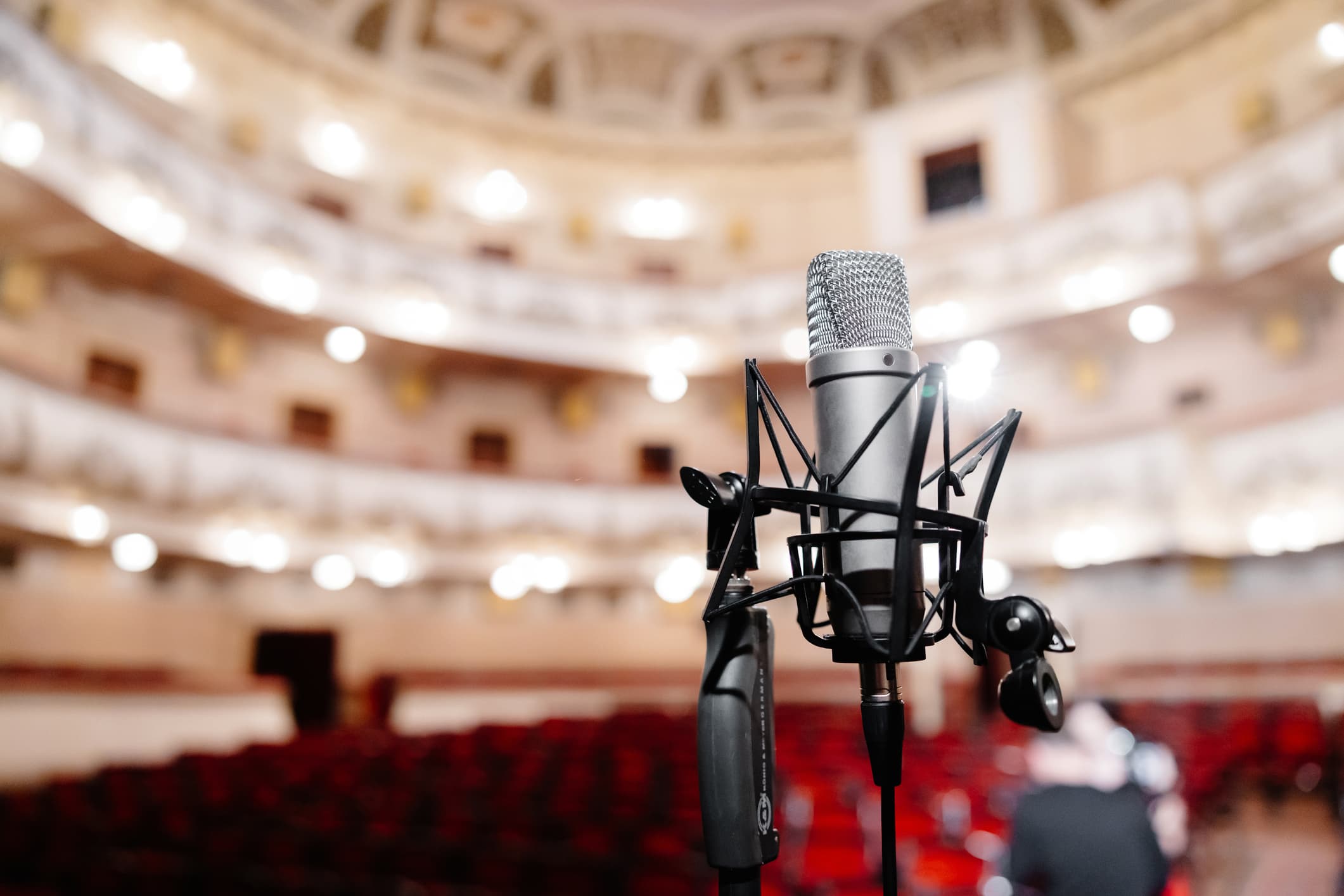
Voice recognition promises something prompters and stage managers have wanted for decades: a script that scrolls by itself, following what the actors are actually saying on stage. No manual clicking, no losing your place when someone improvises. It sounds obvious — dictation on your phone works, after all. But theatre is one of the most demanding environments for speech recognition there is. In this article we explain how the technology works, why it hits its limits on stage, and how to set it up so it genuinely helps you.
What voice recognition actually does in theatre
A classic teleprompter scrolls text at a constant speed or on an operator's cue. Voice recognition flips that principle around: the software listens to the spoken word and continuously compares it against the script. When it finds a match, it moves the display to the right place — ideally a few words ahead, so the actor or prompter always sees what's coming.
The key word here is compares. Unlike dictation, the goal isn't to transcribe arbitrary speech, but to align spoken delivery to a known text. That's an advantage — the system knows what it should be hearing — and a trap, because a live stage never behaves as tidily as the written page.
Why it's harder on stage than on your phone
Noise, music and acoustics
The auditorium isn't a quiet office. Music plays, applause breaks out, costumes rustle, footsteps thud across the boards. The microphone catches all of it — and recognition has to dig through to the speech itself. Microphone placement makes a big difference: a recording from a mic at the edge of the stage is cleaner than one from a laptop in the booth.
Overlapping lines and improvisation
Actors talk over each other, swap words around, drop sentences, improvise. No transcript will be word-for-word. A good system therefore doesn't look for an exact character-by-character match, but for a probable alignment — it holds on to the context even when an actor "reinvents" half a line.
Multiple languages and proper nouns
Productions routinely mix languages, use archaisms, or invented character names. Those are exactly the words ordinary models struggle with. It helps when the system works directly from your script and accounts for its vocabulary.
Online versus offline recognition
Most common services send the audio to remote servers. In theatre that brings two fundamental problems:
- Latency. The round trip to the server and back adds delay that hurts when you're scrolling a script in real time.
- Dependence on connectivity. Relying on the internet in the auditorium during a premiere is a risk no one wants to take.
That's why offline recognition, running directly on the computer, makes sense in theatre. Theatre Prompter takes exactly this approach: it processes audio locally, so it works without a connection and a sensitive rehearsal recording never leaves your computer.
Before you put recognition to work on a live show, try it on a rehearsal recording. You'll see how the system copes with your venue's particular acoustics and your actors' style — and you can fine-tune it calmly, not five minutes before curtain.
How it works in Theatre Prompter
Theatre Prompter combines offline speech recognition with your imported script. The software listens to the spoken word, continuously aligns it to the text, and moves the display to wherever you currently are. Because it works directly from the specific script, it doesn't try to "guess" arbitrary speech — it works with the text in front of it.
In practice, that means the prompter or stage manager doesn't have to hover a finger over the keyboard for the whole performance. The system keeps the pace for you, and you step in only when needed — during a bigger improvisation, say, or a jump in the action. For situations where you don't want to rely on automation, manual control is always at hand.
Practical tips for reliable operation
- Invest in a microphone. A cleaner input does more for accuracy than any software setting.
- Prepare the script carefully. The more closely the text matches what's actually said on stage, the better the system aligns.
- Test at a rehearsal. Real acoustics and your company's style will tell you more than any spec sheet.
- Have a backup plan. Manual control should always be ready — technology helps, but a live performance always comes first.
Conclusion
Voice recognition can't replace an experienced prompter — and it shouldn't. What it can do is take the mechanical work of scrolling text off their shoulders, so they can focus on what really matters in the theatre. The key to success is realistic expectations, a good microphone, and the ability to take control at any moment. Get those three things right, and recognition becomes a reliable, quiet helper behind the curtain.