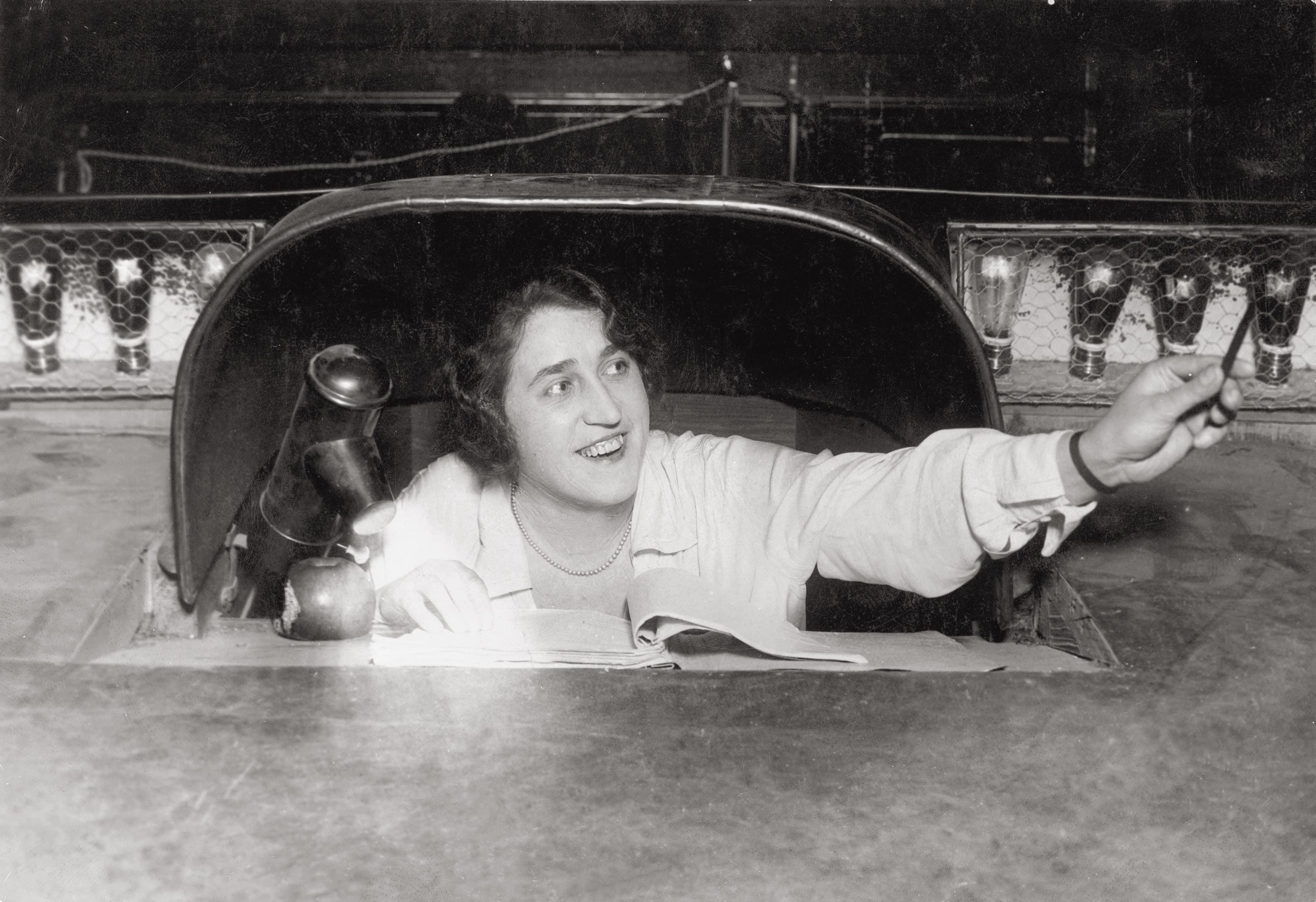
Prompting is one of theatre's oldest professions, and for decades paper, a pencil, and concentration were enough. It still works today — but it has its limits. Digitizing the role doesn't replace it; it strengthens it, taking away the mechanical grind and leaving the prompter room for what really matters. Let's look at how to make the switch sensibly.
What paper prompting can't do
Paper has its charm, but also its weaknesses. It's hard to read in dim wings. Finding the right place after a jump in the action costs precious seconds. Cuts and changes mean rewriting and printing new copies. And only the prompter sees the script — actors and the stage manager don't. These small things add up, especially under the pressure of a live show.
What "digitizing" means
Digitizing doesn't mean swapping a person for a machine. It means giving the prompter better tools: a script in software you can scroll smoothly, search, and jump through quickly. Add the ability to share the text to actors' devices, send GO/READY cues to the stage manager, and optionally let voice recognition scroll the script. Paper becomes a living, shared working tool.
The role doesn't change, the tools do
This is the key point: a good prompter stays a good prompter. A feel for pace, knowledge of the production, the instinct for when an actor needs help — no software replaces that. Digitizing only lifts the routine off their shoulders: manual scrolling, hunting for the place, handing out copies. That frees up attention for the actual work with the actors.
How to switch gradually
- Import the script into the software and check how it broke down into roles and lines.
- Try it at a rehearsal, not straight at the premiere — so you get used to the controls.
- Add features one at a time: first a digital script with scrolling, then sharing to devices, finally perhaps voice recognition.
- Keep a backup. A paper copy or manual control at hand gives peace of mind until you fully trust the new way.
What to keep in mind
Technology should help, not add worries. Choose a tool that works offline and reliably, and always keep a way to take control manually. Theatre Prompter is designed with exactly this approach: a digital script, scrolling, cues, and device sharing — but with manual control always within reach.
Conclusion
Moving from paper to automation isn't about replacing anyone; it's about giving an experienced prompter 21st-century tools. Do it gradually and with a sensible backup, and you gain calm, speed, and oversight — and the prompter can focus on what they do best.